

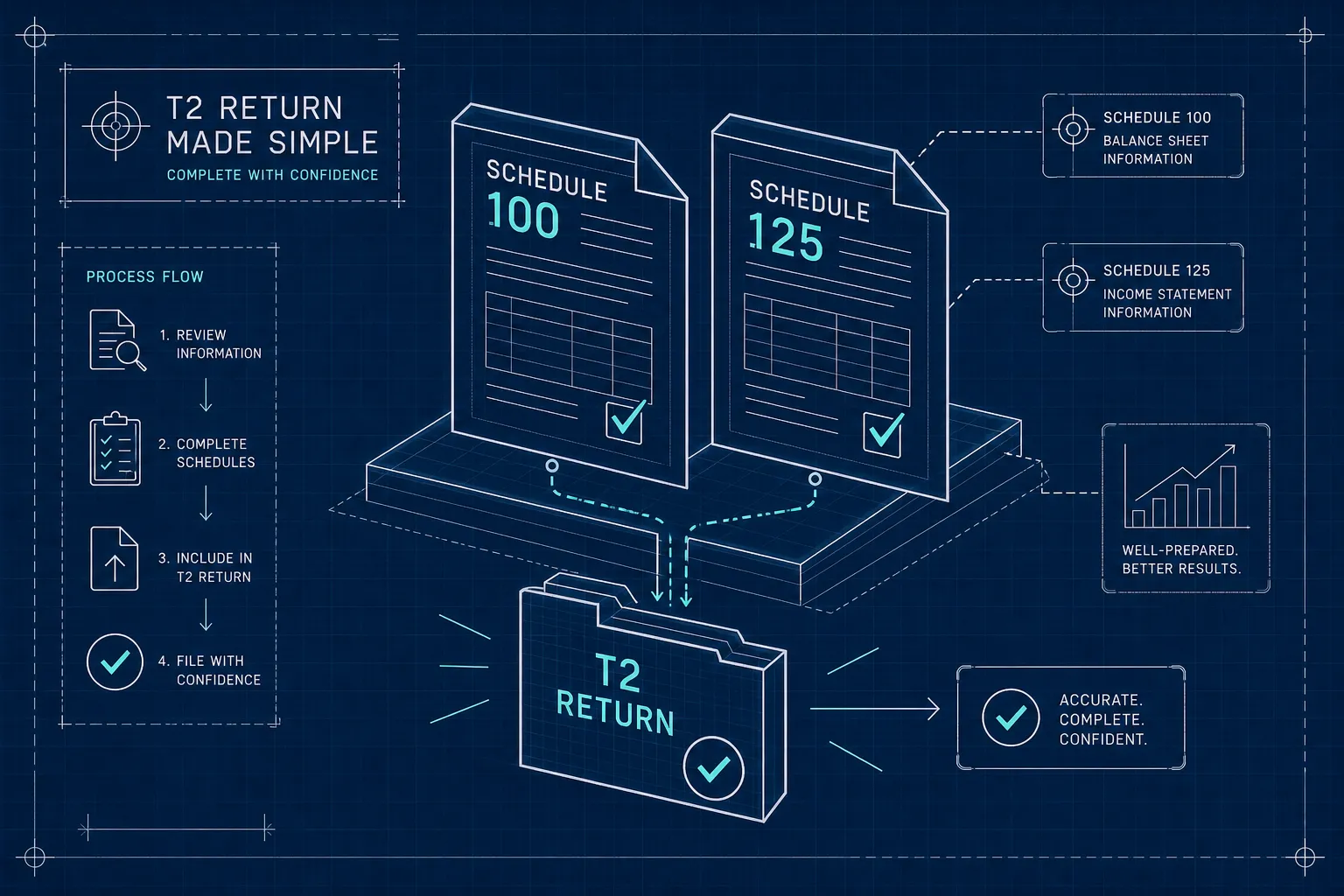
T2 Schedule 100 reports a corporation’s balance sheet and Schedule 125 reports its income statement, both using CRA General Index of Financial Information (GIFI) codes. Schedule 100 shows assets, liabilities and equity, while Schedule 125 shows revenue and expenses. Both come directly from your compiled financial statements and must reconcile to Schedule 1. A corporate tax accountant in Mississauga ensures they match.
How do you complete T2 Schedule 100 and 125 on a Canadian corporate tax return? It’s a question many incorporated business owners never think to ask, because they assume these schedules are just formatting requirements. They’re not. Schedule 100 and Schedule 125 are CRA’s structured view of your corporation’s balance sheet and income statement, coded in a format the agency can read, compare across all filers, and flag for review when something looks off.
This guide walks through each schedule step by step: what information each one requires, how it maps from your financial statements, how the two schedules connect to the rest of the T2, and which errors most commonly attract CRA attention.
What Schedule 100 and Schedule 125 Actually Are
Schedule 100: Your Balance Sheet in GIFI Format
Schedule 100 reports your corporation’s financial position at year-end using CRA’s General Index of Financial Information (GIFI) codes. It is not a separate accounting document. It is your own balance sheet, re-presented under a standardized set of line numbers CRA can process and compare across all T2 filers. The key control totals on the form are Total assets (2599), Total liabilities (3499), Total shareholder equity (3620), and Retained earnings/deficit, end (3849).
Schedule 125: Your Income Statement Coded for CRA
Schedule 125 reports revenue earned and expenses incurred during the tax year, also using GIFI codes. It mirrors your income statement and is organized into the following sections: revenue (8000 to 8299), cost of sales (8300 to 8518), gross profit (8519), operating expenses (8520 to 9367), and net income (9999). The key point: it is a standardized coded version of your income statement, not a verbatim copy. The same economic item can fall under different GIFI codes depending on its nature, which is why classification judgment matters here.
Why These Two Schedules Are the Backbone of Your T2
CRA uses these schedules to verify that the financial results reported in the return are consistent with the actual books. They also feed directly into Schedule 1, which reconciles book income to net income for tax purposes. If these schedules are wrong, the entire T2 can be off. Every downstream calculation, including your tax payable, starts from these numbers.
How to Complete Schedule 100 and Schedule 125 on a Canadian T2: Step-by-Step
Mapping Assets, Liabilities, and Equity to GIFI Lines
The process is straightforward in concept: take each line item on your balance sheet and assign it to the closest GIFI code in the 1000 to 3849 range. Common mappings include:
- Cash → 1001
- Trade accounts receivable → 1062
- Inventory → 1120
- Prepaid expenses → 1484
- Machinery and equipment → 1740
- Trade payables → 2621
- Common shares → 3500
The GIFI codes do not change your amounts. They classify them under CRA’s standardized structure so the agency can read and compare your return. Every required subtotal should be reported, and any required line that is nil should show 0, not a blank.
Reporting Retained Earnings, Shareholder Loans, and Capital Stock Correctly
The retained earnings continuity section is where many returns run into problems. Opening retained earnings go at line 3660. Current-year net income or loss goes at line 3680, and this figure must match Schedule 125 line 9999 (or line 9999 plus or minus line 9998 if there is other comprehensive income). Dividends declared go at 3700. Closing retained earnings at line 3849 must equal the retained earnings line in the equity section at 3600. These numbers have to tie.
Shareholder loans are reported as a liability or asset depending on how they appear in the financial statements. If the corporation owes the shareholder, it’s a liability. If the shareholder owes the corporation, it’s an asset. They don’t go into equity, and the GIFI line you use should match the balance-sheet classification in the statements used for the return.
Report Each Corporation on Its Own
CRA asks for the financial statement information of each legal entity, unconsolidated. If your corporation has a holding company or a subsidiary, each one reports its own balance sheet and income statement, and intercompany balances stay on the receivable or payable lines. The numbers on Schedule 100 must match the statements used for the return.
How to Map Your Income Statement to Schedule 125
Revenue, Cost of Sales, and Gross Profit
Sales revenue, service revenue, and rental income map into the 8000 to 8299 range. Cost of goods sold and direct service costs go into 8300 to 8518, with total cost of sales at 8518. Gross profit is at 8519. The mapping sounds mechanical, but the classification decisions matter. The GIFI code you choose reflects what the revenue or cost actually is, not what label you used in your accounting software.
Mapping Operating Expenses to the Right GIFI Codes
Common expenses each have specific GIFI lines in the 8520 to 9367 range. Advertising, meals and entertainment, employee benefits, amortization, insurance, interest and bank charges, professional fees, rent, salaries, and vehicle expenses all have their own codes. The meals and entertainment line is particularly important because the non-deductible component needs to be handled correctly both here and on Schedule 1.
The classification principle is the same as for revenue: use the GIFI code that matches what the expense actually is, not the account name in your chart of accounts. A corporation that calls something “general overhead” in its ledger still needs to break it into its actual components when mapping to Schedule 125.
The Net Income Figure That Carries to Schedule 1
Schedule 125 produces a net income or loss figure at line 9999. This is your accounting profit, not taxable income. That number flows directly into Schedule 1, where it becomes the starting point for the accounting-to-tax reconciliation. Getting line 9999 right is not just a Schedule 125 issue; it affects every number that follows.
Accounting-to-Tax Adjustments That Run Through These Schedules
Why Book Depreciation on Schedule 125 Gets Replaced by CCA
Accounting depreciation reduces net income on Schedule 125 but is not deductible for tax purposes. On Schedule 1, the full amount of book depreciation is added back. Then Capital Cost Allowance (CCA), calculated separately on Schedule 8, is deducted in its place. The two amounts are rarely equal, which means the tax adjustment can go either way.
A simple example: if your books show $20,000 of depreciation expense and your Schedule 8 CCA claim is $12,000, Schedule 1 adds back $20,000 and deducts $12,000, producing a net $8,000 increase to taxable income. Depreciation and CCA is one of the more common book-to-tax adjustments on any T2 return, and getting the opening Undepreciated Capital Cost (UCC) right on Schedule 8 is what makes the CCA number reliable.
Non-Deductible Expenses and Reserves That Require Add-Backs
Other common Schedule 1 adjustments originate from Schedule 125 figures. The non-deductible 50% of meals and entertainment is added back. Club dues, fines, and penalties are added back in full. Accounting reserves or provisions that do not meet the Income Tax Act’s specific criteria for deductibility are also reversed. All of these are deducted in the books, reported on Schedule 125, and then reversed on Schedule 1.
How Schedule 1 Bridges Book Income to Income for Tax Purposes
Schedule 1 starts with the Schedule 125 net income figure, reverses book-only deductions, brings in tax-specific deductions from other schedules, and arrives at net income for tax purposes. If the Schedule 125 starting point is wrong, every downstream calculation is affected. The connection between these schedules is direct and unforgiving.
Common Errors on These Schedules
When Schedule Totals Don’t Match Your Trial Balance
The most basic error is having Schedule 100 or Schedule 125 figures that can’t be traced to the underlying trial balance. CRA expects a clean line from general ledger to financial statements to schedules. If the numbers have been adjusted, entered manually, or estimated without workpapers to support them, the return is exposed to scrutiny.
A sudden shift in gross margin, an unusual expense ratio, or a retained earnings balance that doesn’t roll forward from the prior year is the kind of thing that leads to questions.
CCA Miscalculations and Retained Earnings That Won’t Reconcile
Two technical errors show up repeatedly. The first is a CCA schedule with the wrong opening UCC because the prior-year Schedule 8 wasn’t carried forward correctly. The second is retained earnings on Schedule 100 that don’t reconcile to the prior-year closing balance plus current-year net income. Both leave a visible discrepancy. These aren’t obscure problems, they’re structural, and they affect the integrity of the whole return.
Supporting Documents CRA Expects to Exist Behind the Numbers
CRA doesn’t require you to file these documents with your T2, but they need to exist and be ready when requested. The key items include:
- Year-end trial balance and general ledger detail for major accounts
- Reconciling journal entries with supporting workpapers
- CCA schedule with additions and dispositions supported by invoices
- Bank statements and source documents for revenue and expenses
- Shareholder loan tracking and dividend resolutions
The absence of these records doesn’t just create an audit problem. It means you can’t defend positions that were probably correct to begin with.
Related Forms
Schedule 141 sits next to these two. It asks who prepared the financial statements and what kind of engagement it was, such as a compilation engagement. If you file on paper, see where to mail your T2 return.
When These Schedules Are More Complex Than They Look
Signs the Mapping Isn’t Straightforward
Schedule 100 and Schedule 125 become genuinely complicated in specific situations: intercompany transactions, shareholder loans that have moved between asset and liability classification during the year, mixed-use assets, or deferred revenue. Pre-acquisition or amalgamation adjustments, and year-end entries without clear general ledger support, add another layer of difficulty. In these cases, correctly coding the GIFI lines requires judgment, not just mechanical data entry. Picking the wrong code or misclassifying an adjustment creates discrepancies that compound across schedules.
How a Specialist T2 Firm Handles the Complexity
Business owners don’t need to master GIFI mapping. What they need is a firm that treats these schedules as a core part of the T2, not an afterthought. Adian Professional Corporation builds Schedule 100 and Schedule 125 directly from the financial statements on every engagement, reconciles them to the prior year, and reviews them for consistency with the rest of the return before CRA ever sees them. That’s how filing errors get caught before they become CRA problems. Every engagement starts with a written scope and fixed fee, no open-ended billing arrangements.
Frequently Asked Questions: Completing Schedule 100 and Schedule 125 on a Canadian T2
How do I complete Schedule 100 on a Canadian T2 corporate tax return?
Take each line item from your year-end balance sheet and assign it to the corresponding GIFI code in the 1000 to 3849 range. Report all required subtotals, enter 0 for any nil lines rather than leaving them blank, and confirm that your retained earnings continuity ties, opening balance plus net income minus dividends equals closing retained earnings at line 3849.
How do I complete Schedule 125 on a Canadian T2 corporate tax return?
Map each revenue and expense line from your income statement to the appropriate GIFI code. Revenue goes in the 8000 to 8299 range, cost of sales in 8300 to 8518, and operating expenses in 8520 to 9367. The net income figure at line 9999 must match Schedule 100 line 3680 and flows directly into Schedule 1 as the starting point for your book-to-tax reconciliation.
What happens if Schedule 100 and Schedule 125 don’t agree with each other?
They should always agree. Line 3680 on Schedule 100 is the same figure as line 9999 on Schedule 125, plus or minus line 9998 if there is other comprehensive income. If they don’t match, something has been entered in the wrong place, and it should be fixed before the return is filed.
Do I need to attach financial statements to my T2?
The GIFI schedules carry the figures from your statements. CRA’s T2 guide also asks you to include any notes to the financial statements and the auditor’s or accountant’s report, if they were prepared, and the statements themselves need to be available on request. The same applies to your trial balance, general ledger detail, CCA schedule, bank statements, and shareholder loan documentation. These records support every number on Schedule 100 and Schedule 125.
The Bottom Line on These Schedules
Schedule 100 and Schedule 125 are not simple data-entry forms. They are CRA’s window into your corporation’s financial results, and when they’re wrong, the problems ripple through the entire return. The mapping from financial statements to GIFI codes, the accounting-to-tax adjustments, the retained earnings reconciliation, and the document trail behind it all take real attention to get right.
If you run a corporation in Mississauga or the GTA and want your T2 corporate tax return completed with the technical precision these schedules require, Adian Professional Corporation handles the full process, balance sheet and income statement mapping through to CRA electronic filing. That’s what every engagement covers, start to finish.